Finding Unassigned Surveys and assigning them to yourself
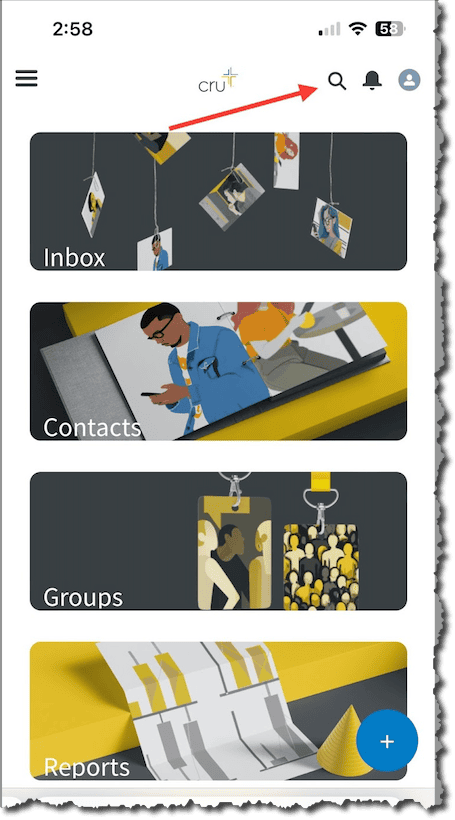
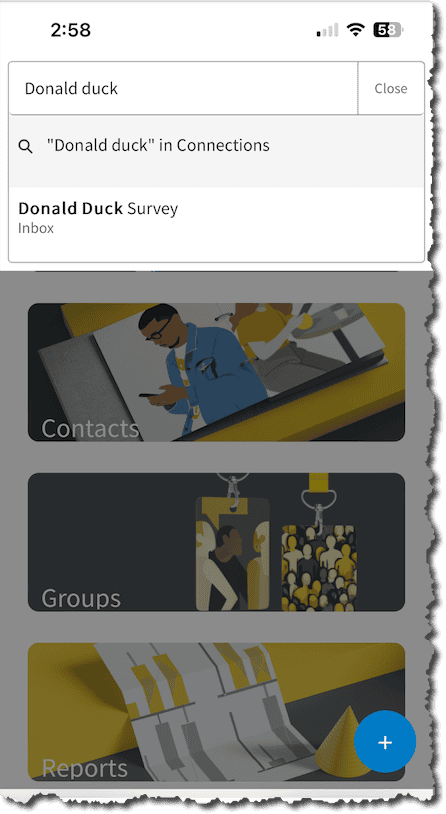
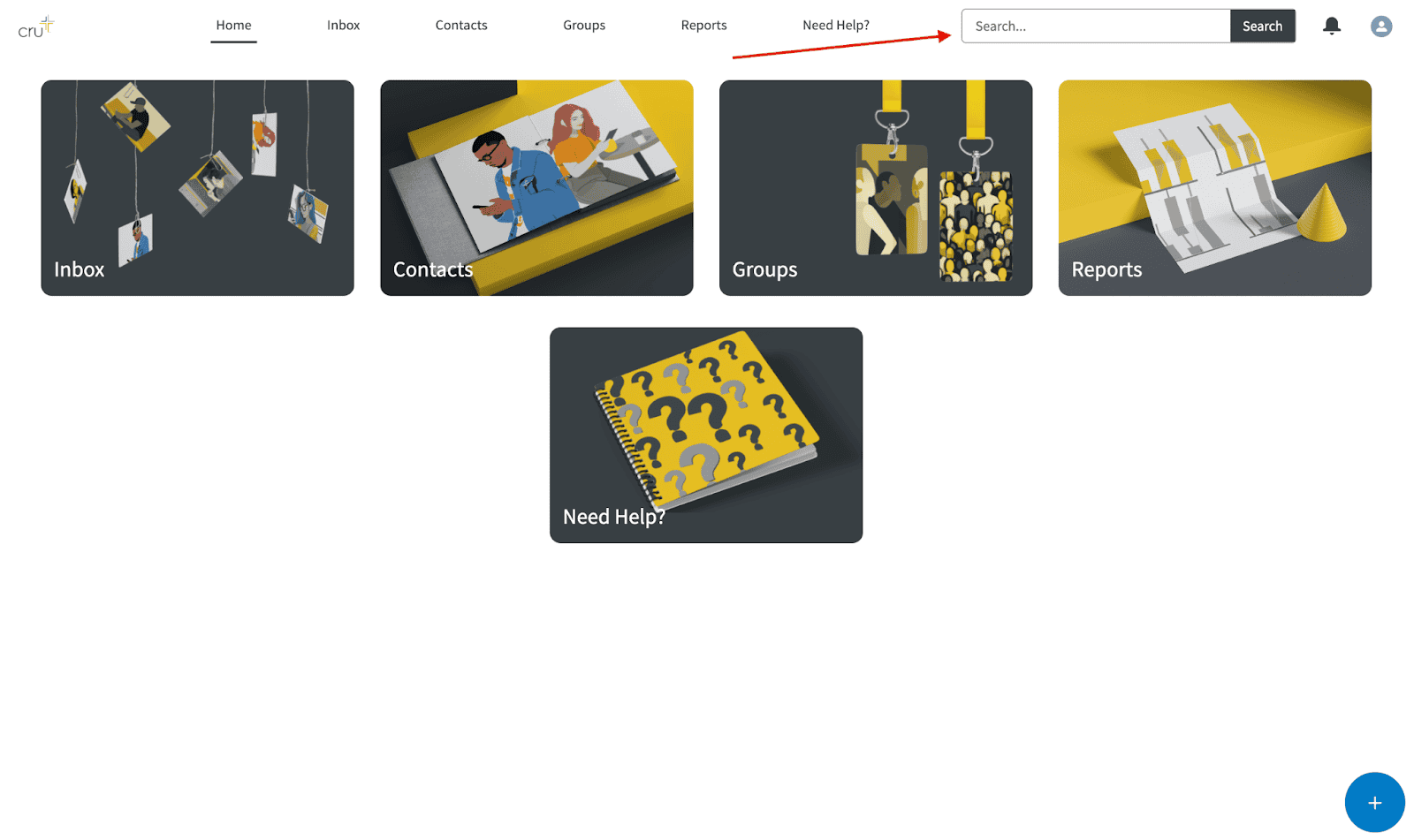
Did you meet someone when you were tabling and getting surveys? Did you make a connection at a social or large group meeting? Or, do you want to find some students you can follow up with? There are two ways to find people. First, you can navigate to your [Movement] Unassigned List View. Second, you can use the global search feature (see screenshots).
On Mobile
On Computer
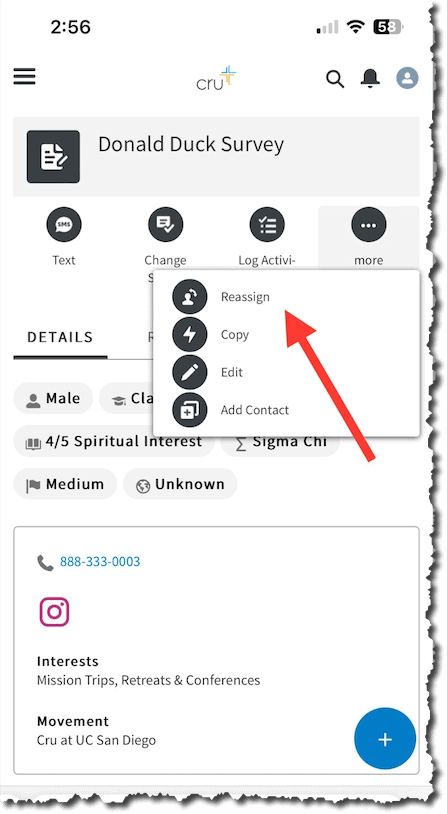
Once you find the person you are looking for, you can Reassign them to yourself. When you are on the Inbox record, click “More” to see the “Reassign” button. Follow the on-screen instructions to assign someone to yourself.